
14 years alongside beauty & care businesses300+ salons
Tattoo studio booking software: on a calendar, not in chats.
Bi'Salon is booking software for the tattoo and piercing studio, from sessions to client notes, from supply expenses to payments.
- 30 days free
- No card required
- Cancel anytime
Record money you take in
The form asks for the amount, wallet and account. The entry lands in the list marked Incoming.
Your tattoo studio's sessions, on one screen.
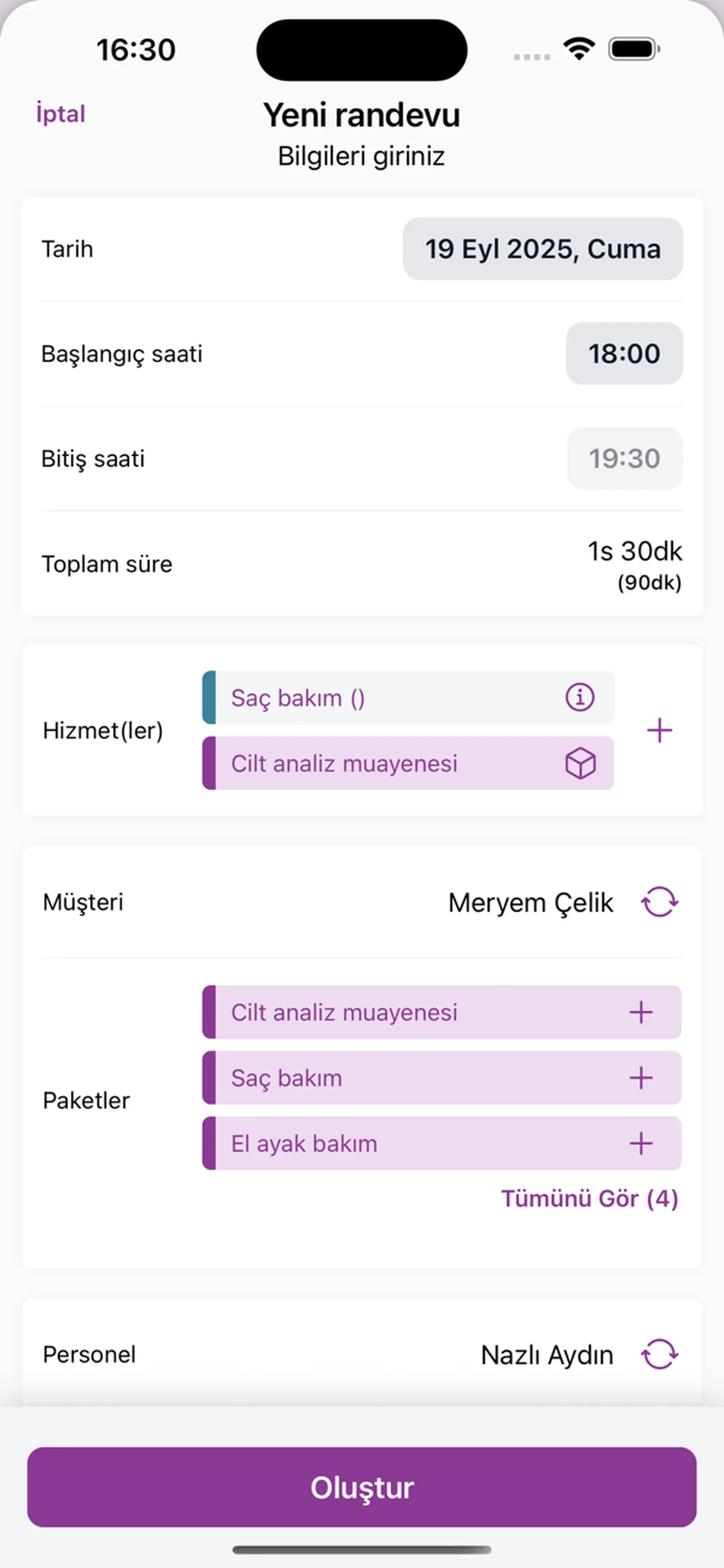
Each session is an appointment tied to a client, an artist and a time. The details you discussed are in the note, the sessions done are in the appointment history, and the payment taken is on the same card.
Why Bi'Salon?
This is not studio automation; it is about the session, the details you discussed and the payment not getting lost in messages. How it was, how it will be:
Client data safe, compliance handled.
Client data is handled under KVKK, Türkiye's data-protection law, encrypted and stored on servers in Türkiye.
KVKK Compliant
Client data processed per regulation, encrypted; on servers in Türkiye.
Gov-Approved
Your e-Invoice and e-Archive documents are legally valid.
SMS Included
Automatic appointment-reminder SMS comes off the message allowance in your membership.
All Included
Appointments, clients, collections and SMS in the same membership; 10 users included.
Your tattoo and piercing studio, in one panel.
The session goes on the calendar, the detail into the note, the payment onto the card. No going back through messages to see which piece is at which session or who paid what.
Session calendar
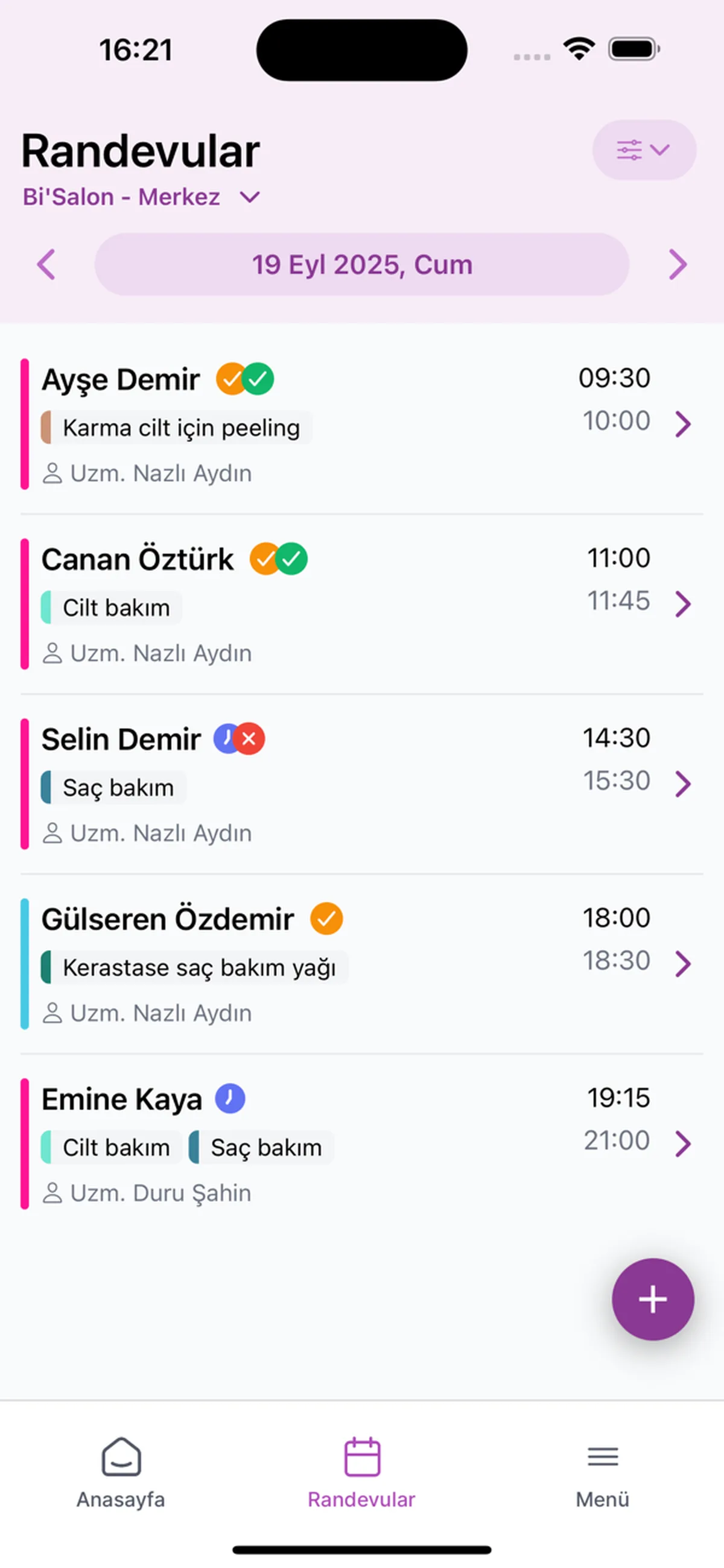
Enter the session with its start and end time; a piece that takes half a day and a short piercing appointment each sit at their own time on the calendar.
Multi-session work
Open each session of a large piece, such as an arm, a back or a leg, as a separate appointment for the same client; the sessions done are gathered in the Appointment history tab of the card.
Placement and size note
Placement, size, colour, an allergy or the size of the jewellery you fitted: write it in the note and find it on the card at the next session without asking again.
Artist calendar
If the studio has several artists or a piercer, open the calendar by staff; everyone's day sits in their own column.
Session reminders
A WhatsApp message reminds the client of the session first, and an SMS if that does not get through; writing to everyone one by one is no longer on you.
Supply expenses and payments
Enter needle, ink or jewellery purchases as an expense with the supplier; the payment for the session goes onto the client's card.
- Hair Salon
- Barber
- Beauty Salon
- SPA & Massage
- Nails
- Skincare
- Waxing
- Makeup
A partner that actually helps the tattoo studio.
More than three hundred salons open the panel every day; the infrastructure grew with how they use it. Yours can join them.
Questions on your mind
The first things tattoo and piercing studios ask. Something else on your mind? Leave your number and we will ring you back.
What is Bi'Salon, and what does it do for a tattoo and piercing studio?
Bi'Salon is tattoo studio booking software for tattoo and piercing studios: it keeps the session appointment, the client note, the reminder and the payment record in one panel. Work that runs over several sessions is gathered in the same client's appointment history; placement, size and design details stay in the note on the card. There is no separate screen for consent forms, design files or deposits.
Is there a separate screen for the consent form and the design file?
No, there is no separate screen for either. You keep having the consent form signed on paper; the details that describe the design (placement, size, colour) go into the client's note. The panel keeps the appointment, the note and the payment record.
I do not book without a deposit; can I track the deposit?
No, there is no field that tracks a deposit separately. You enter the money you take as a payment record on the client's card; there is no setting that ties the appointment to a deposit.
How do I keep track of the sessions of a large piece?
By entering each session as a separate appointment for the same client. Sessions done stay in the Appointment history tab of the card, where you count for yourself which session the piece is at; the next session shows on the calendar.
Most bookings come through Instagram messages; does the panel see Instagram?
Not today. The inbox in the panel shows WhatsApp messages once you connect your WhatsApp account; Instagram and Messenger will follow soon. Until then you enter the session you agreed on Instagram on the calendar yourself.
Can I open a calendar for a guest artist too?
Yes. 10 users are included in the membership; you open a user for the guest artist and view the calendar by staff. The panel does not work out the artist's share; the Staff tab of the revenue report shows how much revenue is recorded against whom, and you work out the share yourself.
Can I keep short jobs like piercings and tattoos that take hours on the same calendar?
Yes. Each appointment is entered with its own start and end time; in the service list you define piercing and tattoo items separately, each with its duration, price and VAT.
Can I also record aftercare cream and jewellery sales?
Yes. You add the cream and the jewellery to the product list, where the stock quantity shows; when opening the appointment you pick the product alongside the service.
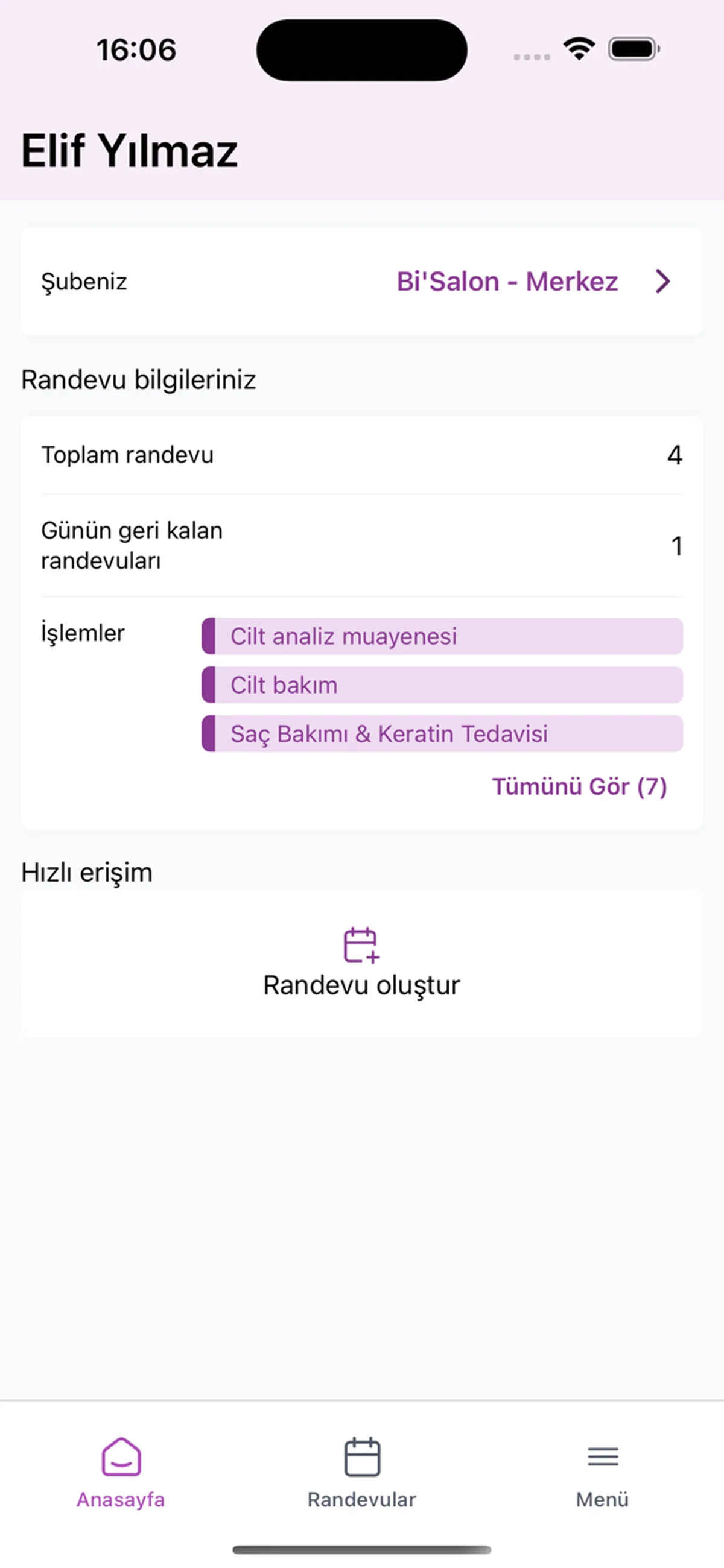
Open it wherever you are.
Open your appointments and records from your phone when you are away from the computer. The app is free.


Move your sessions onto the calendar today.
We call you; together we open your tattoo and piercing items and the artist columns.
- Leave your number
- We call you
- We set it up together